Trotec Vision Design & Position
Camera-assisted live design and live job positioning in Ruby® Laser Software.
- Vision Design & Position (VDP) combines a high-resolution camera system with Ruby® laser software, allowing operators to position graphics directly on a live image of the workpiece before production begins.
- Reduce setup effort, minimize positioning errors, and move from design to finished product faster with a visual pre-positioning workflow.
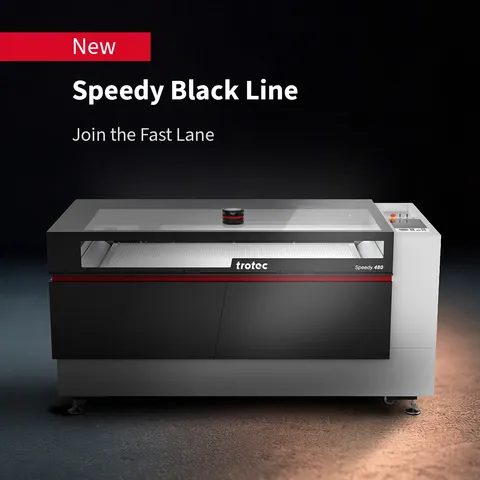
- Available for Speedy Black Line.
Why Trotec customers choose Vision Design & Position(VDP)?
The challenge: Placing graphics correctly takes time
In personalized production, setup is often more challenging than the laser engraving itself. Whether producing promotional products, awards, industrial parts, pre-positioned blanks, or customer-supplied items, traditional positioning methods often rely on templates, measurements, trial runs, and operator experience.
This can lead to:
- Longer setup times
- Positioning errors
- Material waste
- Rework
- Delayed deliveries
- Inconsistent results
VDP eliminates this uncertainty by providing a visual positioning workflow before production starts.
How the VDP works with Speedy Black Line?
See the job before you produce it
Manual positioning creates friction in the laser workflow. Every measurement, alignment check, or test run consumes valuable production time. When laser processing unique products, personalized items, or short production runs, these small delays add up quickly.
Vision Design & Position replaces manual positioning with a visual laser workflow.
Simply place the object in the laser machine, view it through the camera, and position the artwork directly on the image inside Ruby®. The live camera view provides a convenient visual reference for fast and intuitive job setup in the Ruby® browser interface.
What you see on screen corresponds to what will be laser engraved on the product.
The result is faster setup, greater confidence, and reduced material waste.
Key features & benefits
Ideal applications
Vision Design & Position is especially valuable for high-mix production and personalized products. Instead of creating dedicated templates, measuring every part, or manually adjusting positions, operators can position designs visually and start production immediately.
Typical applications include:
- Promotional products
- Awards and trophies
- Personalized gifts
- Industrial components
- Pre-positioned blanks
- Small-batch production
- Batch-size-one production
Enhanced for the Speedy Black Line
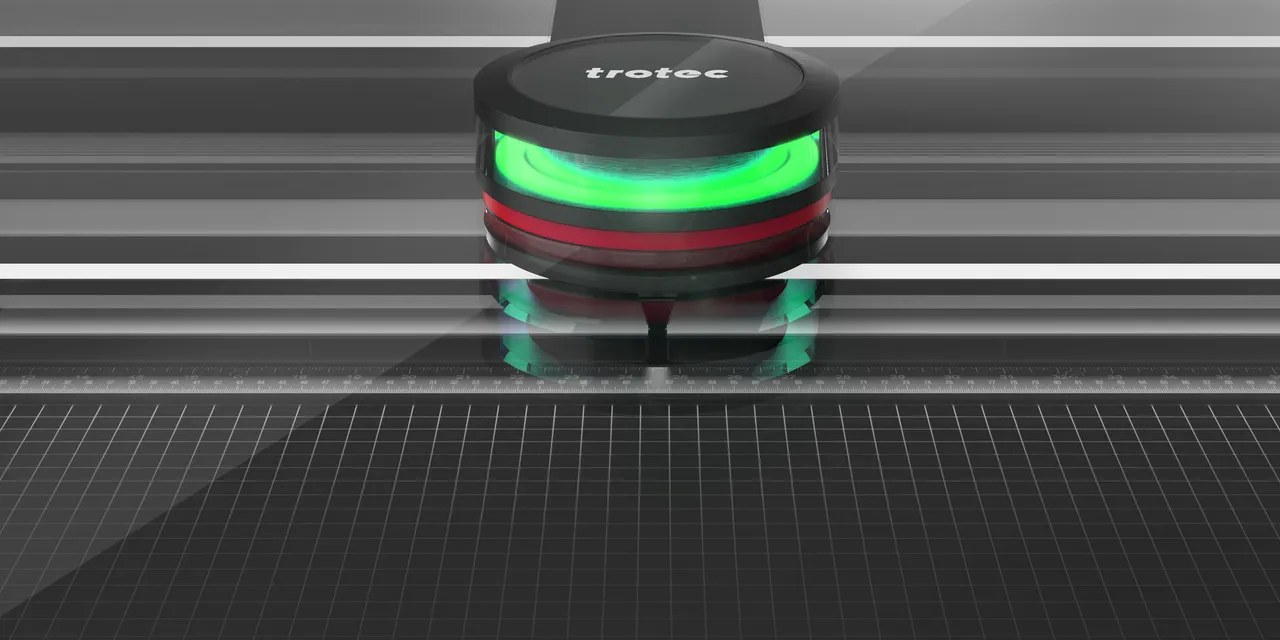
The Speedy Black Line introduces significant improvements to the Vision Design & Position experience through a redesigned camera system.
Benefits:
- Faster image acquisition
- Real-time live view
- No visible processing delays
- Higher-contrast images
- More precise positioning
- Elimination of previous connection-related interruptions
These enhancements create a more responsive workflow and help operators move from positioning to production faster.
More than a camera feature
Vision Design & Position is more than a positioning tool. It is designed to simplify setup, reduce production complexity, and improve consistency across operations.
Combined with Ruby®, VDP helps operators:
- Position jobs faster
- Reduce setup mistakes
- Minimize rework
- Standardize workflows
- Produce with greater confidence
Whether producing a single item or hundreds of different products, VDP keeps the workflow visual, intuitive, and efficient.
How the VDP works with Speedy 100 and Speedy 300?
Why you need Trotec Vision Design & Position.
The powerful camera cleverly integrated into the laser lid delivers a detailed, sharp color image of the entire work surface to the Ruby® Laser software. In this way, you can design a graphic, set a text directly on the workpiece or align an existing laser job in Ruby®. It is no longer necessary to position graphics manually using the laser pointer, save the graphic position in the software, measure materials and objects or take a cumbersome route via graphics software with a printer driver. Vision Design & Position shortens the laser workflow. Residual materials can be better utilized.
Full integration with Ruby® makes working with the laser machine easier, faster and more profitable. First-time laser machine users get a perfect result more quickly.

Camera-assisted laser workflow.
Virtual graphic design and job positioning

Full integration with Ruby® Laser Software
Simple, fast and reliable

Available for Speedy 400, Speedy 360, Speedy 300 and Speedy 100
The smartest and fastest laser engraver

Camera-assisted design and positioning of the laser job directly on the workpiece
With Trotec Vision Design & Position, the laser engraver can visualize with maximum precision. This feature accelerates the laser workflow and allows laser processing exactly where you want it. Work faster, simpler and more profitably.
Image transfer with high-resolution camera
The powerful camera in the lid provides up to 12 megapixels of resolution for a detailed, sharp color image of the entire work surface in Ruby®. Regardless of whether the lid is open or closed. View the laser job on the workpiece in advance - "What You See Is What You Get" (WYSIWYG).
Virtual job positioning in Ruby®
Align an existing laser job in Ruby® directly to the workpiece. Size, rotation and position. No cumbersome measuring of workpieces, residual materials or objects. No need for any manual positioning using the laser pointer or saving the graphic position in the software.
Virtual graphic design in Ruby®
Create or edit your layout live in Ruby® and position it directly on your workpiece. No cumbersome way via graphics software with a printer driver.